Warnings
⚠️ Cold storage is not appropriate for newbie users. Newbies should first learn how to choose their best Bitcoin custodian or exchange and accumulate a sizeable balance (ie. 100K sats -10 M satoshies or $100 to $10,000) before jumping to self-custody. Use a hot wallet first to familiarize yourself with the Bitcoin Network, recording backup seedphrase (12-words), fees calculation, address verification etc. before jumping into cold storage. We recommend using Strike as an exchange and Cypher Box as a Lighting/self-custodial Bitcoin wallet app interface.
⚠️ Always verify your cold storage deposit address directly on your hardware wallet screen, not just in the app. Malicious software can alter the address shown on your computer or phone. Before signing any transaction, double-check all details on the device itself to ensure you’re sending funds to the correct address and not a compromised one. Trust the device, not the app.
⚠️ Bitcoin hot wallets are also good and much better than exchanges but they are less secure than cold ones.
⚠️ All of these wallets are open-source, meaning they are open to code audits and scrutiny. All of them come with a bitcoin-only firmware to minimize your attack surface. Three of them can support shitcoins. As a rule of thumb, shitcoins like Ethereum are not suitable for long-term investment and storage. You can store your shitcoins on hot wallets like Exodus or Metamask or even on an exchange because their use must be short and quick (i.e for speculation or sending and receiving)
⚠️ All wallets are vulnerable to supply chain attacks so you have to buy the wallet from the manufacturer itself to reduce this risk. The Seedsigner is the most secure and least vulnerable device to this type of attack
⚠️ Bitcoin hot wallets are also good and much better than exchanges but they are less secure than cold ones.
⚠️ Do not forget to write down the 12-24 mnemonic words on a piece of paper or a better, a metal plate (at least two copies stored in two places geographically separated from each other)
⚠️ Do not share your mnemonic phrase with anyone, do not screenshot it, do not upload it anywhere yada yada yada…
Don’t be scared of self-custody but be aware of the responsibility of being your own sovereign bank. Not your keys, not your 🧀
These are the only 7 Bitcoin and Crypto hardware wallets that you should use based on my personal engineering assessment:
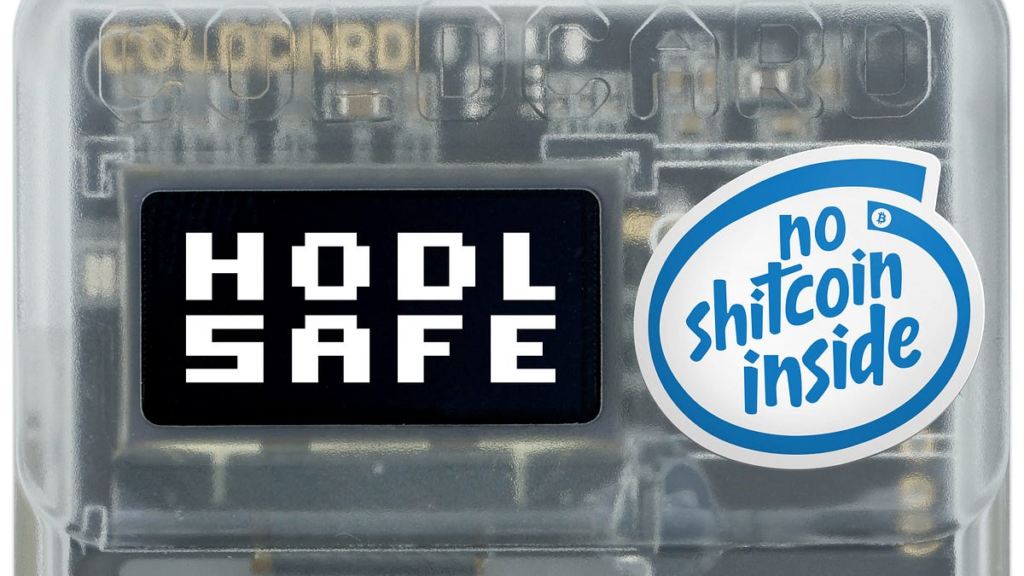
1- Coldcard Mk4 & Q4 (Airgapped device)

🔐 Security ⭐️⭐️⭐️⭐️⭐️
📱 Convenience ⭐️⭐️
🫰 $170 – 240
The Coldcard Mk4 and Q4 are top-tier Bitcoin hardware wallets known for their security, air-gapped usage, and open-source firmware. They support PSBT for offline signing, have secure elements for key storage, and feature NFC for quick, contactless transaction signing. The Mk4 is compact and power-efficient, while the Q4 adds a QWERTY keyboard and a larger screen for better usability. Both devices allow full component verification.
Where to buy it (affiliate link) https://store.coinkite.com/promo/E4990CA05A5A8311F724
How to use it: video tutorial
How how to obtain its public key in order to interact with it on Cypher Box app:
Settings → Advanced → View Identity → Master Xpub
This will show the public key QR (xpub) on the device’s screen. You can also export it via MicroSD. You can then create a Cold Vault on Cypher Box by scanning or importing your ColdCard’s public key QR.
2- Seedsigner (Airgapped)
🔐 Security ⭐️⭐️⭐️⭐️⭐️
📱 Convenience ⭐️
🫰 $50
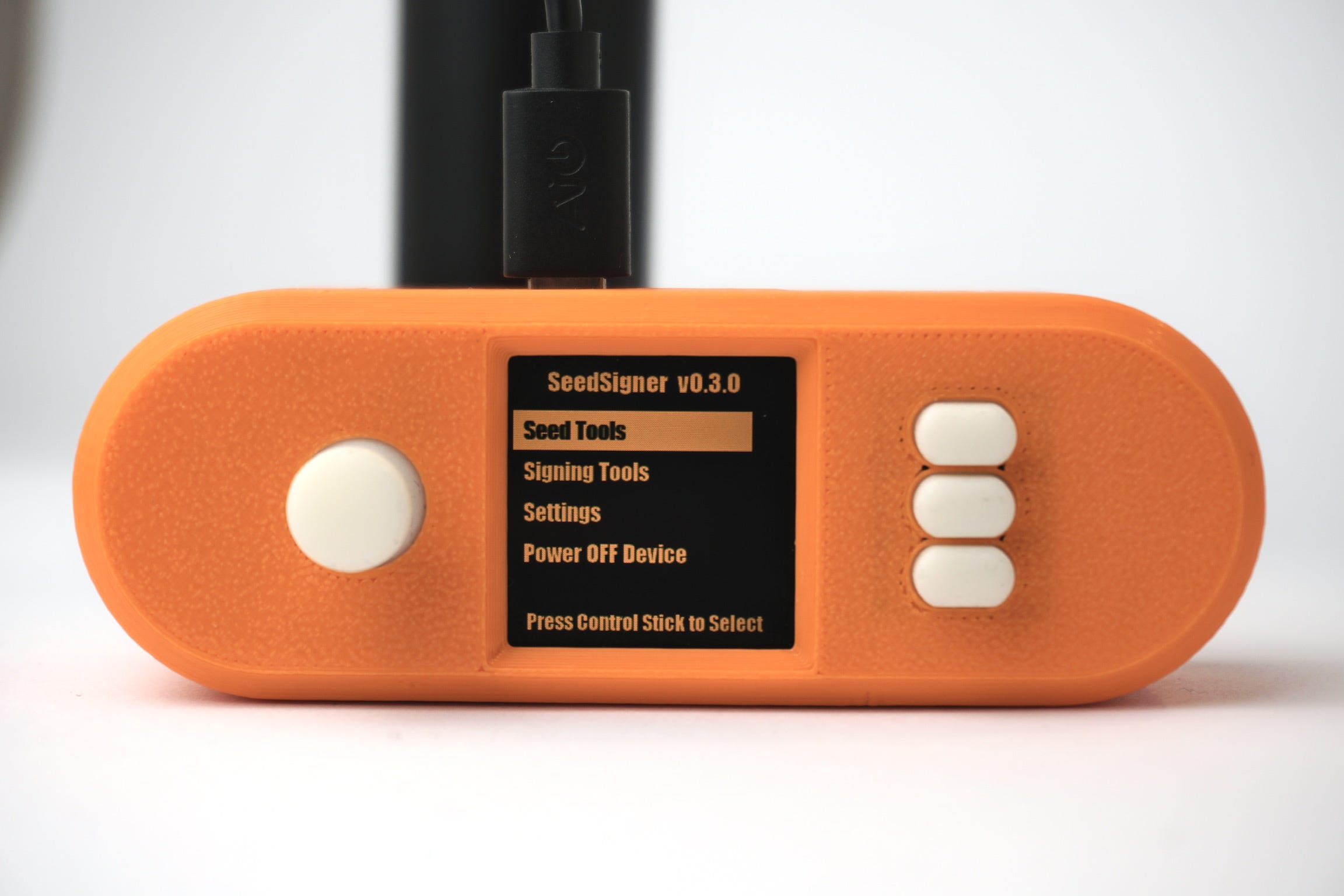
The Seedsigner in my opinion is the most secure wallet because it doesn’t store your private keys on your device, instead, you will convert your words into a QR code which you can just scan whenever you want to sign and send transactions. It’s also super cheap and available almost everywhere in the world. Its only problem is that it’s a DIY device, meaning you have to buy the parts and assemble them together with your own hands. It’s super fun tho!
Where to buy it and how to assemble it: https://seedsigner.com
Video Tutorial: Seedsigner BTC Sessions
How how to obtain its public key in order to interact with it on Cypher Box app:
Main Menu → Seeds → Select Your Seed → Xpub Details
This will show the public key QR (xpub) on the device’s screen. You can then create a Cold Vault on Cypher Box by scanning or importing your Seedsigner’s public key QR.
Keystone (Airgapped)
🔐 Security ⭐️⭐️⭐️⭐️
📱 Convenience ⭐️⭐️⭐️⭐️⭐️
🫰 $90, $127 (after 25% discount)
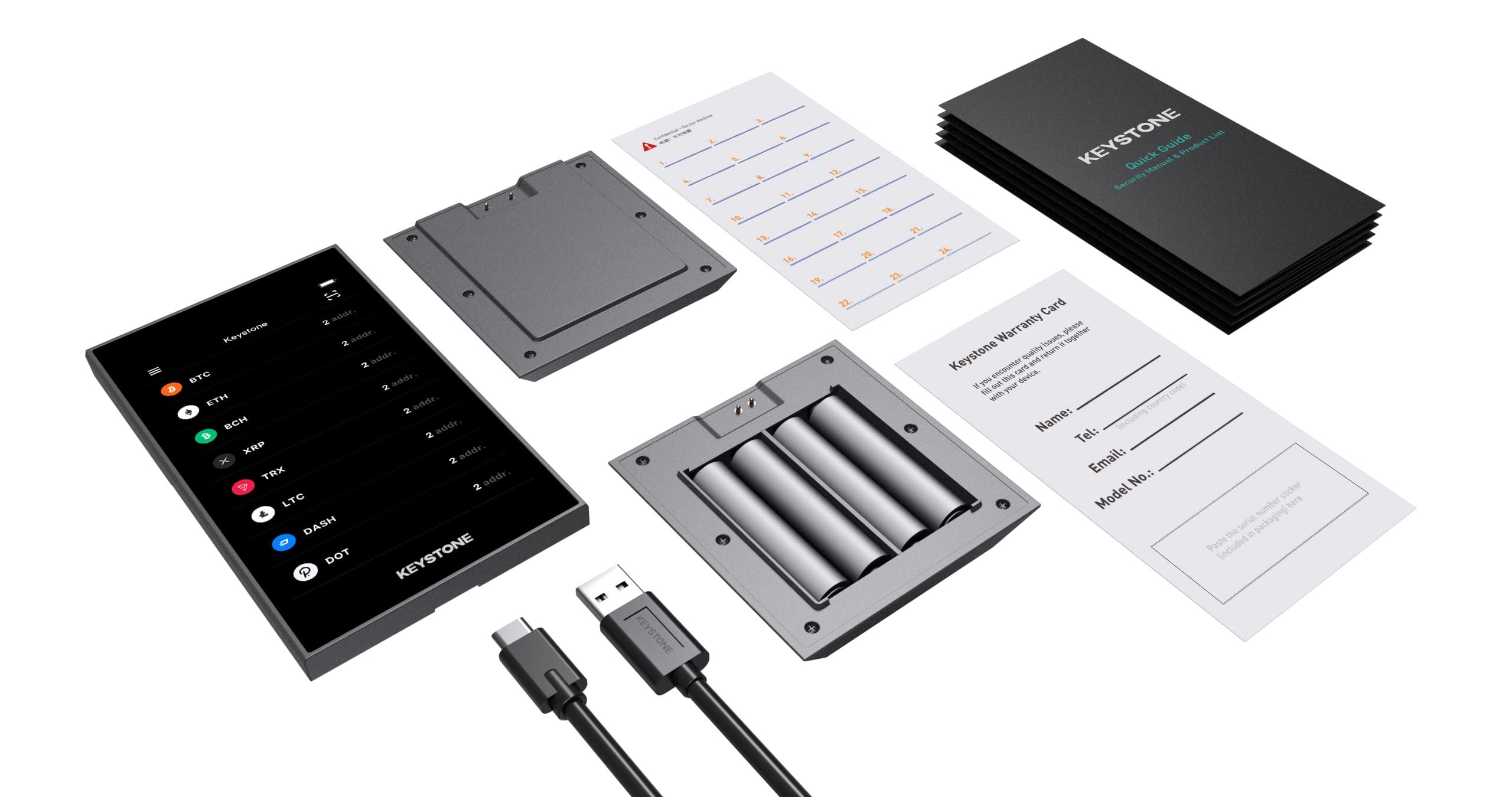
I love this wallet! It comes with open-source bitcoin-only or a multicoin firmwares with verifiable hardware components. It has a touchscreen, supports NFC, and built with a fingerprint to access the device. I hate typing PINS on hardware wallets, or worse, scrolling for the correct numbers with stiff buttons every time I want to confirm an operation. With Keystone, you just tap your finger and you’re good to go!
Where to buy it (affiliate link): https://keyst.one/
My 28% discount code: BITCOIN21AR
How to use it: video tutorial
How how to obtain its public key in order to interact with it on Cypher Box app:
Main Menu → Wallet → Select Your Wallet → Export xpub
This will show the public key QR (xpub) on the device’s screen. You can also export it via MicroSD. You can then create a Cold Vault on Cypher Box by scanning or importing your Keystone’s public key QR.
Blockstream Jade (Airgapped)
🔐 Security ⭐️⭐️⭐️⭐️⭐️
📱 Convenience ⭐️⭐️⭐️⭐️
🫰 $60 (after 10% discount)
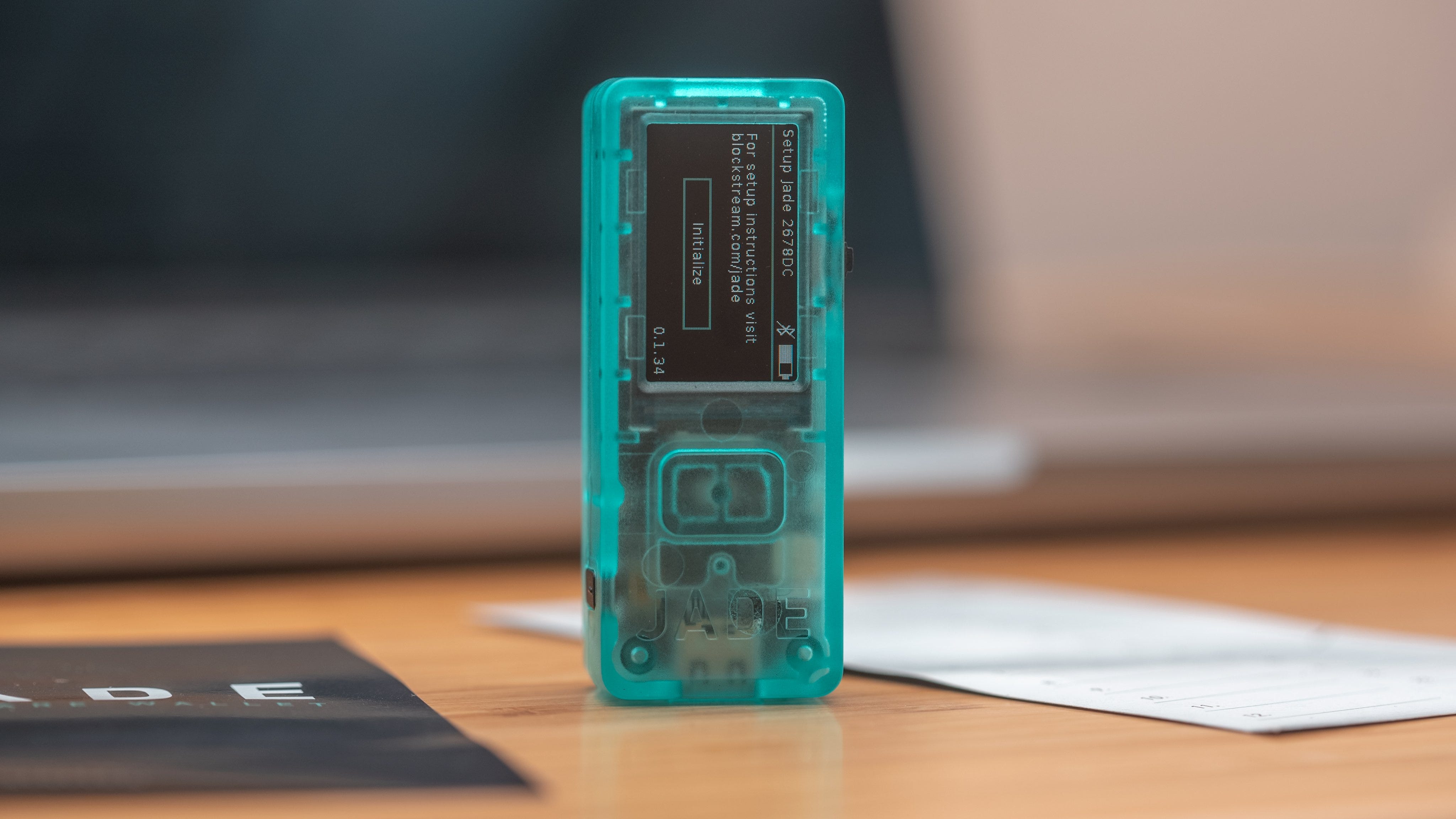
The Jade is a cute cypherpunk wallet. It’s simple, super secure, and can manage your beetcoin from mobile or desktop. No shitcoins, which is great!
Where to buy it:
My 10% discount code: BITCOIN21AR
How to use it: video tutorial
How how to obtain its public key in order to interact with it on Cypher Box app:
Main Menu → Wallet Settings → Export xpub
This will show the public key QR (xpub) on the device’s screen. You can then create a Cold Vault on Cypher Box by scanning your Jade’s public key QR.
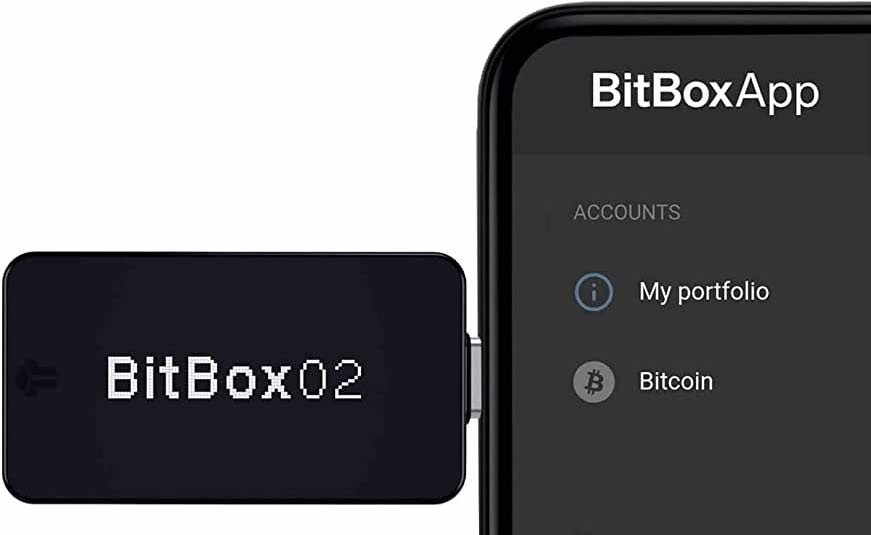
Bitbox
🔐 Security ⭐️⭐️⭐️⭐️
📱 Convenience ⭐️⭐️⭐️⭐️
🫰 $125 (after 10% discount)
The Bitbox is a cool bitcoin-only, or multicoin wallet. Never tried it myself but every person who did usually never stops talking about it. Open-source, good opsec, intuitive user interface. The wallet is not airgapped, meaning you need to plug it into another device, such as a laptop or phone, to broadcast transactions. Some might see this as an increase in the attack surface; however, the company claims that airgapping is not really necessary for reasons you can read about here.
Where to buy it (affiliate link): https://shiftcrypto.ch/bitbox02/?ref=GPBDfBDpTS
My 10% discount code: BITCOIN21AR
How to use it: video tutorial
How how to obtain its public key in order to interact with it on Cypher Box app:
BitBox App → Settings → Show xpub
This will show the public key QR (xpub) on your computer or phone screen. Take a screenshot or export it. You can then create a Cold Vault on Cypher Box by scanning or importing your BitBox’s public key QR.
Passport (Airgapped)

🔐 Security ⭐️⭐️⭐️⭐️
📱 Convenience ⭐️⭐️⭐️⭐️
🫰 200 $
Foundation Device’s Passport is a pretty luxurious and durable device dedicated to Bitcoin. It’s open-source and super secure but it comes with a hefty price tag 😬 It features a fully open-source design, air-gapped QR-code signing, a secure element for key storage, and a sleek mobile-friendly interface. All components, including the firmware and hardware, are verifiable, ensuring no hidden backdoors. With a removable battery and intuitive navigation, it’s built for both security-conscious users and beginners looking for a seamless self-custody experience.
Where to buy it: https://foundationdevices.com/
How to use it: video tutorial
How how to obtain its public key in order to interact with it on Cypher Box app:
Main Menu → Wallets → Select Your Wallet → Advanced → Export xpub
This will show the public key QR (xpub) on the device’s screen. You can then create a Cold Vault on Cypher Box by scanning or importing your Passport’s public key QR.
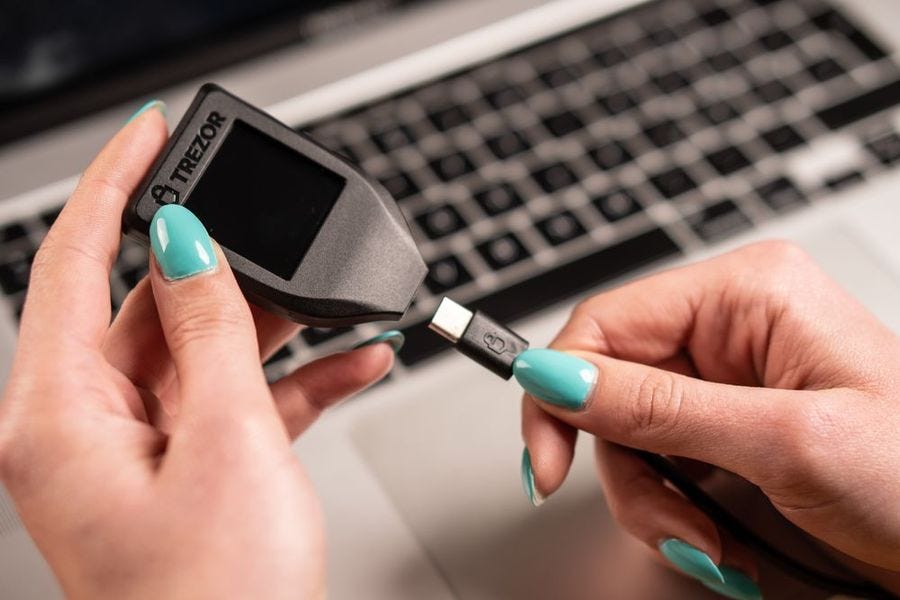
Trezor
🔐 Security ⭐️⭐️⭐️
📱Convenience ⭐️⭐️⭐️⭐️⭐️
🫰$60, $186 (after 15% discount)
Trezor wallet is very a popular open-source bitcoin-only and multicoin wallet. It has excellent tools for privacy (some well-respected experts might strongly disagee). Its only problem is that it has been physically hacked more than once, so if you’re going to buy it, try to keep it in a fire-proof safe deposit box out of anyone’s reach. The model T and model One are more or less the same, the only difference really is that the T has a touchscreen.
Where to buy it (affiliate link): https://affil.trezor.io/SHCu
How to use it: video tutorial
How how to obtain its public key in order to interact with it on Cypher Box app:
On the Trezor hardware wallet, you cannot view the xpub directly on the device screen, but you can export it through the Trezor Suite app.
To access it:
Trezor Suite app → Accounts → Account Details → Show public key (xpub)
You can then create a Cold Vault on Cypher Box by scanning or importing your BitBox’s public key QR. Trezor does not support exporting the xpub to a microSD card.
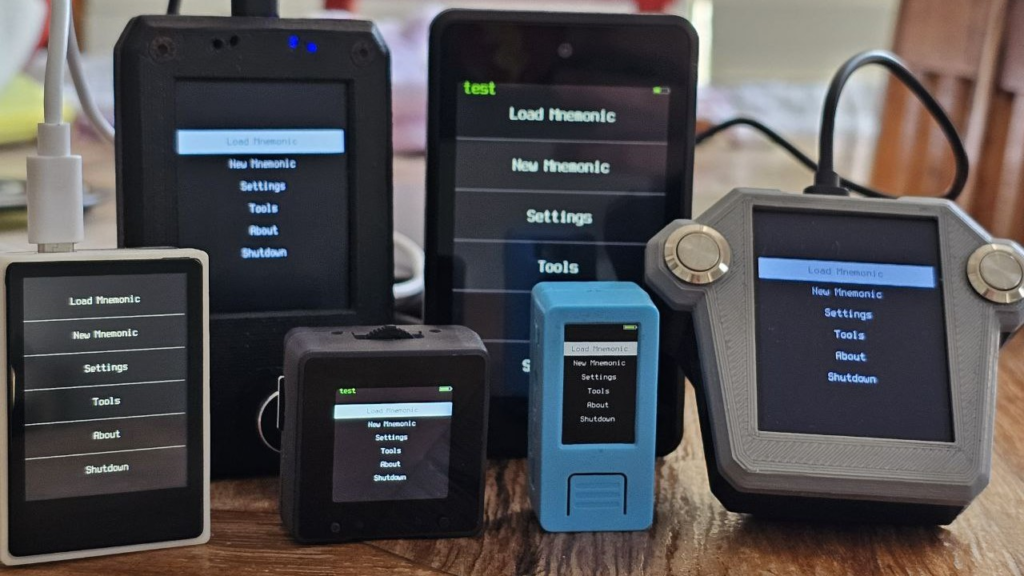
Krux and DIY Specter are open-source DIY Bitcoin hardware wallets designed to run on inexpensive devices like M5Stack or Raspberry Pi Zero. They emphasize strong security through air-gapped signing using QR codes or microSD cards, keeping private keys offline. They are relatively cheap ($30–$80) but less convenient than commercial wallets because users must assemble the hardware and install the firmware. After setup, exporting the xpub is simple: the device displays it as a QR code or file so it can be imported into Cypher Box to monitor balances and build transactions while the DIY device signs them offline.
Final thoughts… cheesy garlic bread

🧀 Generally-speaking, you should try to keep all your wallets and mnemonics in safe deposit boxes
🧀 Use a metal plate like the Keystone Tablet Plus to write your mnemonics
🧄 Don’t use a closed-source wallet such as Ledger, Safepal, or Trust
🥖 For storing very large amount of bitcoin, you need to learn how to upgrade to multisig storage. This will massively increase security, flexibility, and redundancy.
🍅 Don’t over-complicate your self-custody scheme